



Check the face in a video file.
MoverisMedia reads the face in a recorded video and returns one decision per check: living face, or not. Use it on the video files people send you.
For files that ask you to act
A video from an executive asking for a wire. A recorded statement sent with a claim. A clip attached to an application. Check the face before you act.
- Upload a recorded video to your MoverisMedia account, or send it through the MoverisMedia API.
- MoverisMedia reads the face in the video, one second at a time.
- It returns one decision for each check, living face or not, with a human-likelihood score from 0 to 100. A breakdown shows what affected each score.
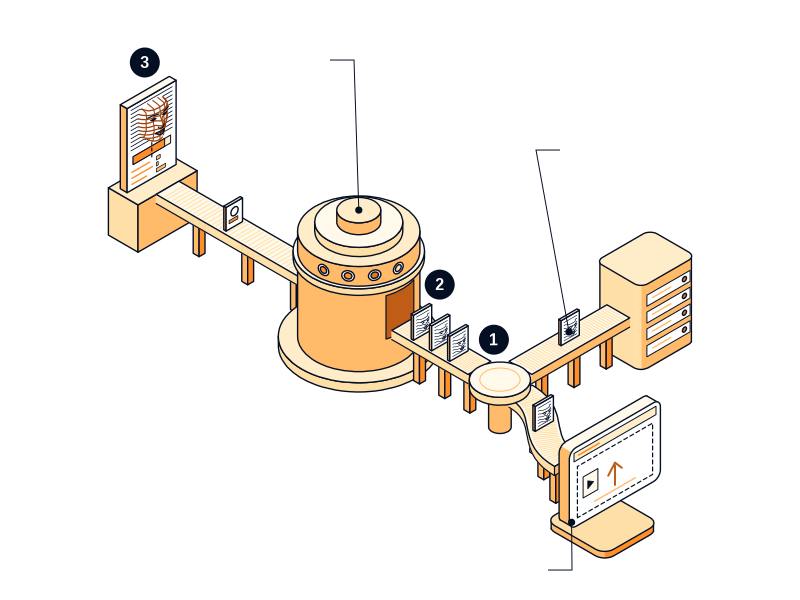
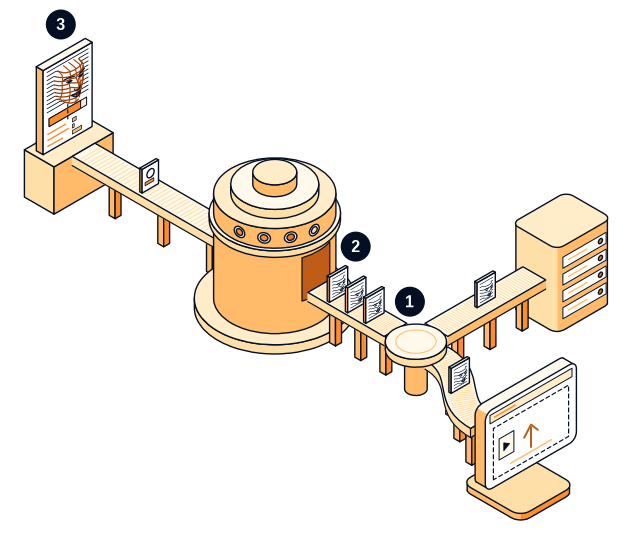
A recorded face can be a copy.
Face swaps, lip-sync, and AI-generated video can make a recorded face look real. MoverisMedia is trained and tested on them, along with prints, masks, and screen replays.
Held up to a real camera.
A presentation attack puts a fake in front of a real camera. The camera works as it should, but what it sees is not a living person.
 Printed photoA photo of someone else, held to the lens.
 MaskA face cut from paper or molded from silicone, worn or held up.
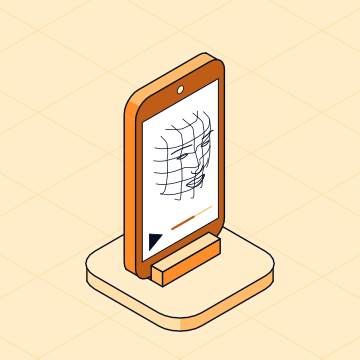 Screen replayA phone or tablet playing a recording of someone's face.
Fed in where the camera should be.
An injection attack skips the camera. Software feeds the check a video stream that passes for a webcam, so the fake never sits in front of a lens.
 Virtual cameraSoftware that poses as a webcam and streams any video.
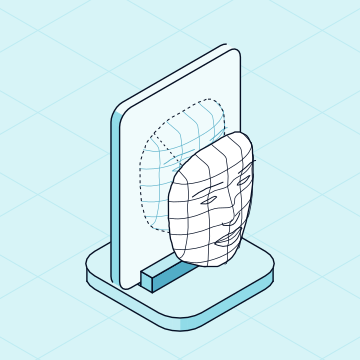 Face swapAnother person's face laid over real video.
 Lip-syncReal footage with the mouth redrawn to say new words.
 AI-generated videoA face, and a person, that never existed.
Attackers move to whichever route gets through, so Moveris is trained and tested on both. Whatever the next tool is, it still has to copy a living face's cognitive coherence.
Signs nobody decides to make
A living face is run by a brain and a body, so it shows signs nobody decides to make. MoverisMedia reads a hundred regions of the face four ways: facial muscle movement, blood flow, estimated depth, and how each region compares with its neighbors. Muscle movement goes down to the microexpressions that carry emotion. Then it checks their cognitive coherence: how all of these signals work together. A deepfake can copy any one signal, but not that.
- Recorded video files
- One decision per check

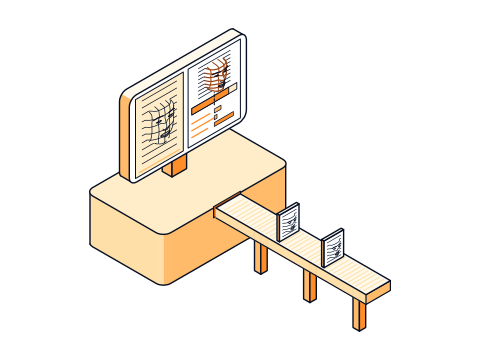
For review teams
Fraud, claims, and compliance teams can check the face in a video before they approve, pay, or publish.
- Fraud and claims review
- Compliance review
Questions
Common questions about MoverisMedia.
Still have a question? Book a demo and ask us.
What files does MoverisMedia read?
Recorded video files with a face in them, in common formats such as MP4 and WebM. MoverisMedia reads the face one second at a time and returns one decision per check.
What does Moveris decide?
Whether a living face was in front of the camera. Moveris reads one second of standard webcam video and returns one decision for each check, with a human-likelihood score from 0 to 100.
Is Moveris GDPR and CCPA compliant?
Yes. Moveris complies with the GDPR and the CCPA, and it is certified to ISO 27001 for information security.
What is Moveris trained and tested on?
Moveris is trained and tested on presentation attacks (prints, masks, and screen replays) and injection attacks (video fed in through a virtual camera). It is also trained and tested on face swaps, lip-sync, and AI-generated video. We generate, collect, and curate 90% of this data in-house, so it matches what happens in the real world.
Does Moveris tell me who the person is?
No. Moveris checks for a living face, and your ID check confirms who it is. Together, they put a real person behind each account.
How do I add Moveris to my product?
Upload video files in your MoverisMedia account, or send them through the MoverisMedia API. Book a demo, and our team will walk you through it.
Put a living face behind the next yes.
Tell us where you need a living-face decision. We will show you Moveris on your own flow.
