

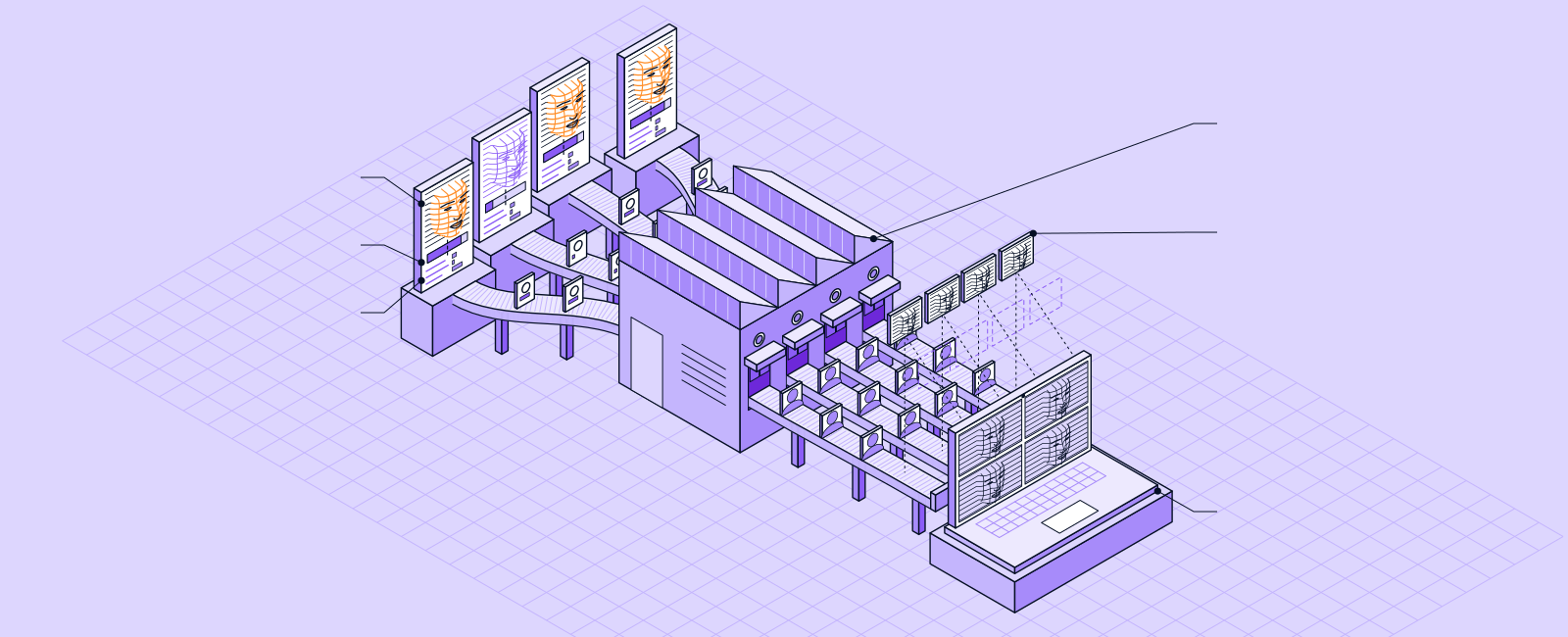

Check each face on the call.
MoverisMeeting checks each participant on Zoom, Microsoft Teams, and Google Meet calls. It returns one decision for each participant: living face, or not.
For calls where the face has to be real
Use MoverisMeeting on job interviews, help desk and account recovery calls, remote notarizations and signings, and remote exams. Use it on any call where a face on screen signs off on a wire, a payroll change, a new account, or access to systems.
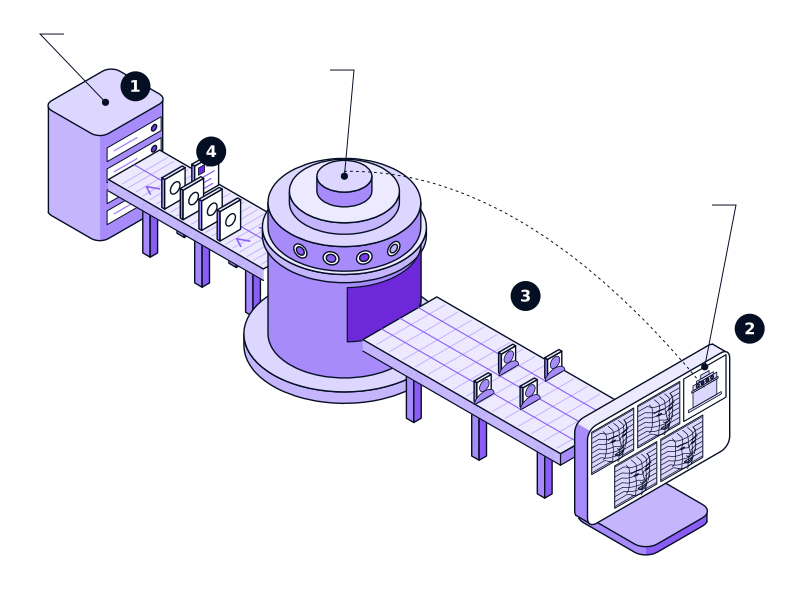
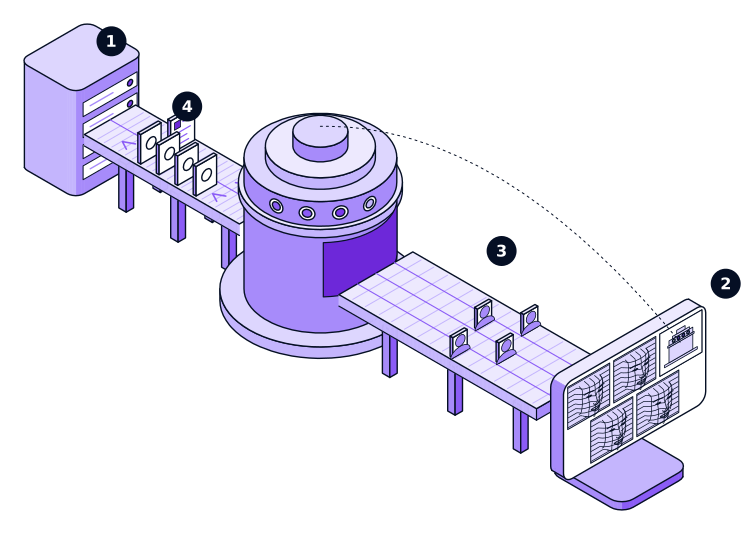
- Your system starts a MoverisMeeting session.
- A Moveris bot joins the Zoom, Teams, or Google Meet call.
- Moveris reads each participant's video separately.
- Moveris posts one decision for each participant to your webhook.
A face on screen can be a copy.
Face swaps and AI-generated video can reach a call through a virtual camera. MoverisMeeting is trained and tested on these injection attacks, along with prints, masks, and screen replays.
Held up to a real camera.
A presentation attack puts a fake in front of a real camera. The camera works as it should, but what it sees is not a living person.
 Printed photoA photo of someone else, held to the lens.
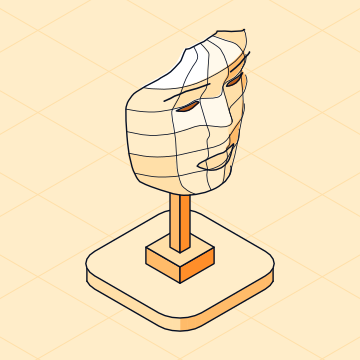 MaskA face cut from paper or molded from silicone, worn or held up.
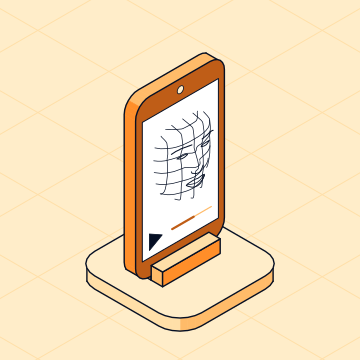 Screen replayA phone or tablet playing a recording of someone's face.
Fed in where the camera should be.
An injection attack skips the camera. Software feeds the check a video stream that passes for a webcam, so the fake never sits in front of a lens.
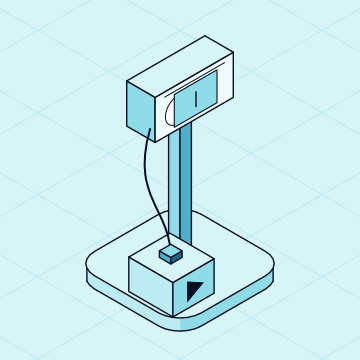 Virtual cameraSoftware that poses as a webcam and streams any video.
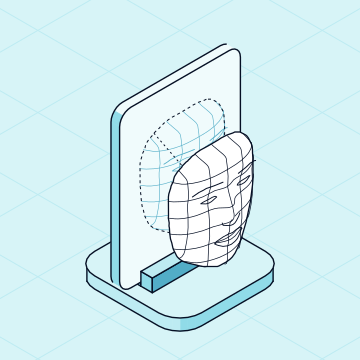 Face swapAnother person's face laid over real video.
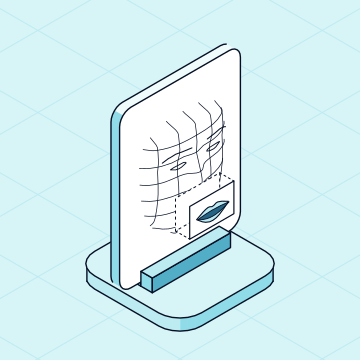 Lip-syncReal footage with the mouth redrawn to say new words.
 AI-generated videoA face, and a person, that never existed.
Attackers move to whichever route gets through, so Moveris is trained and tested on both. Whatever the next tool is, it still has to copy a living face's cognitive coherence.
Signs nobody decides to make
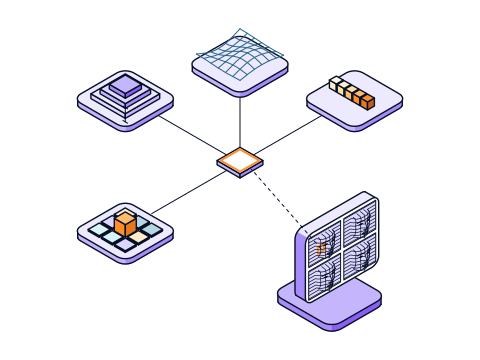
A living face is run by a brain and a body, so it shows signs nobody decides to make. MoverisMeeting reads a hundred regions of the face four ways: facial muscle movement, blood flow, estimated depth, and how each region compares with its neighbors. Muscle movement goes down to the microexpressions that carry emotion. Then it checks their cognitive coherence: how all of these signals work together. A deepfake can copy any one signal, but not that.
- Standard webcams
- One second of video
One decision per participant
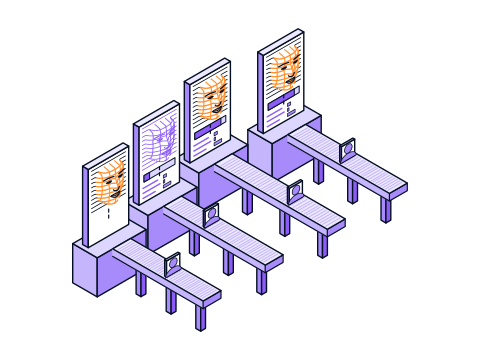
MoverisMeeting decides whether a living face was in front of each camera on the call. It adds a human-likelihood score from 0 to 100 for each participant, with a breakdown of what affected it.
- Living face, or not
- A score for each participant
Questions
Common questions about MoverisMeeting.
Still have a question? Book a demo and ask us.
Which video platforms does MoverisMeeting work with?
Zoom, Microsoft Teams, and Google Meet. A Moveris bot joins the call and posts a decision for each participant to your webhook.
What does Moveris decide?
Whether a living face was in front of the camera. Moveris reads one second of standard webcam video and returns one decision for each check, with a human-likelihood score from 0 to 100.
What is Moveris trained and tested on?
Moveris is trained and tested on presentation attacks (prints, masks, and screen replays) and injection attacks (video fed in through a virtual camera). It is also trained and tested on face swaps, lip-sync, and AI-generated video. We generate, collect, and curate 90% of this data in-house, so it matches what happens in the real world.
Does Moveris tell me who the person is?
No. Moveris checks for a living face, and your ID check confirms who it is. Together, they put a real person behind each account.
How do I add Moveris to my product?
Use the Moveris SDK for React on the web or React Native on mobile, or start a MoverisMeeting session through the MoverisMeeting API. Book a demo, and our team will walk you through it.
Put a living face behind the next yes.
Tell us where you need a living-face decision. We will show you Moveris on your own flow.
