



A lip-sync changes the words. It still has to move like a living face.
Moveris reads one second of standard webcam video and decides whether a living face was in front of the camera. It is trained and tested on lip-sync, along with face swaps and AI-generated video. Use it on recorded files, on video calls, and at onboarding.
What is a lip-sync deepfake?
A lip-sync deepfake is real footage of a person with the mouth redrawn to say new words. Software reshapes the lips, jaw, and teeth frame by frame to fit a new audio track, often a cloned voice. Everything else in the frame comes from the original video: the eyes, the skin, the light, and the background.

Where lip-sync deepfakes show up
In a recorded file
A statement, a testimonial, or a claim video shows a real person saying words they never said.
On a video call
A familiar face on Zoom or Teams gives instructions in a cloned voice, with the mouth redrawn to match.
At the selfie step
A check that asks the person to read numbers aloud gets a stolen video with the mouth redrawn to say them.
A face swap replaces the whole face. A lip-sync keeps the real face and changes only the mouth.
Why a lip-sync deepfake is hard to spot
Most of the frame is real. The person on screen is who they look like, so a reviewer who recognizes them sees nothing wrong. Only the mouth area changes, and in a small video window a soft edge around the lips looks like compression. With a cloned voice, the words sound right too. Deepfake tools get a new version every few days.
What a lip-sync has to copy
A brain and a body run a living face, so its blood flow, muscle movement, and emotion work together. We call that cognitive coherence. A deepfake can copy any one signal, but not how they all work together. A lip-sync redraws the mouth for new words, while the brows, eyes, and cheeks still move with the old ones.
Moveris reads one second of video. It reads each of a hundred regions of the face four ways: facial muscle movement, blood flow, estimated depth, and neighbor contrast. Muscle movement goes down to the microexpressions that carry emotion. Moveris checks how all of those signs work together.


What your team gets back
Each check returns a decision, living face or not, and a human-likelihood score from 0 to 100. A breakdown shows what affected each score, so your fraud and review teams see more than the decision.
Built on our own data
Moveris is trained and tested on lip-sync, face swaps, and AI-generated video. We generate, collect, and curate 90% of this data in-house, so it matches what happens in the real world.
Where to use it
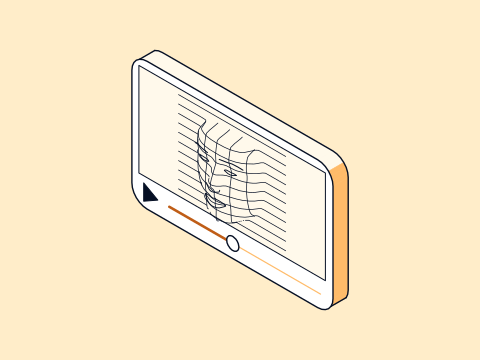
MoverisMedia
Checks the face in the video files people send you, and returns one decision per check.
See MoverisMedia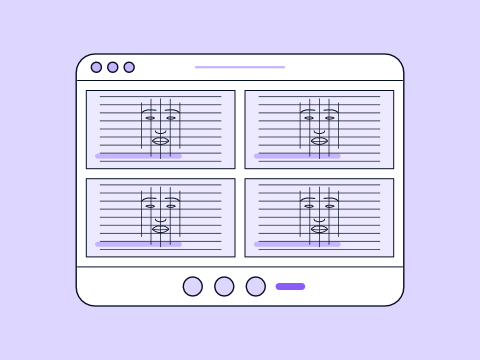
MoverisMeeting
Checks each participant on Zoom, Microsoft Teams, and Google Meet calls, and returns one decision for each.
See MoverisMeeting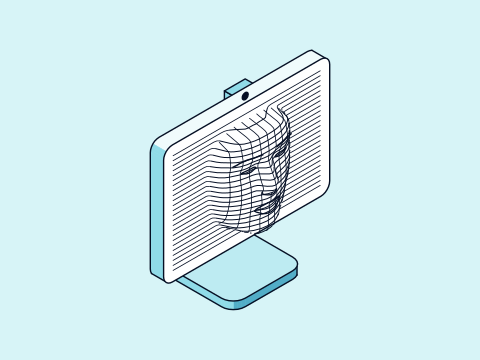
MoverisLive
Checks for a living face on the webcam at onboarding, at step-up, and when an AI agent asks to act over MCP.
See MoverisLiveQuestions
Still have a question? Book a demo and ask us.
What is the difference between a lip-sync and a face swap?
A face swap replaces the whole face with someone else's. A lip-sync keeps the real person's face and redraws only the mouth, so they appear to say words they never said. Both are deepfakes, and Moveris is trained and tested on both.
Can a lip-sync deepfake pass a liveness check?
It can pass a check that only looks for a face that moves, because most of the video is real. A check that asks for numbers read aloud can get a stolen video with the mouth redrawn to say them. Moveris is passive: your customer looks at the camera, and Moveris reads one second of video.
How do you detect a lip-sync deepfake?
Have software read the video, because most of the frame is real footage and looks right to a reviewer. Moveris reads one second of video and checks how the signals of a living face work together, which we call cognitive coherence.
Can a lip-sync deepfake happen on a video call?
Yes. Lip-sync tools now run fast enough to use during a call. A Moveris bot joins Zoom, Microsoft Teams, and Google Meet calls and checks each participant for a living face.
Can Moveris check a recorded video?
Yes. Upload the file to MoverisMedia, or send it through the MoverisMedia API. MoverisMedia reads the face one second at a time and returns one decision for each check, with a human-likelihood score from 0 to 100.
Does Moveris tell me whose face it is?
No. Moveris checks for a living face, and your ID check confirms who it is. Together, they put a real person behind each account.
Further reading
Put a living face behind the next yes.
Tell us where you need a living-face decision. We will show you Moveris on your own flow.
