

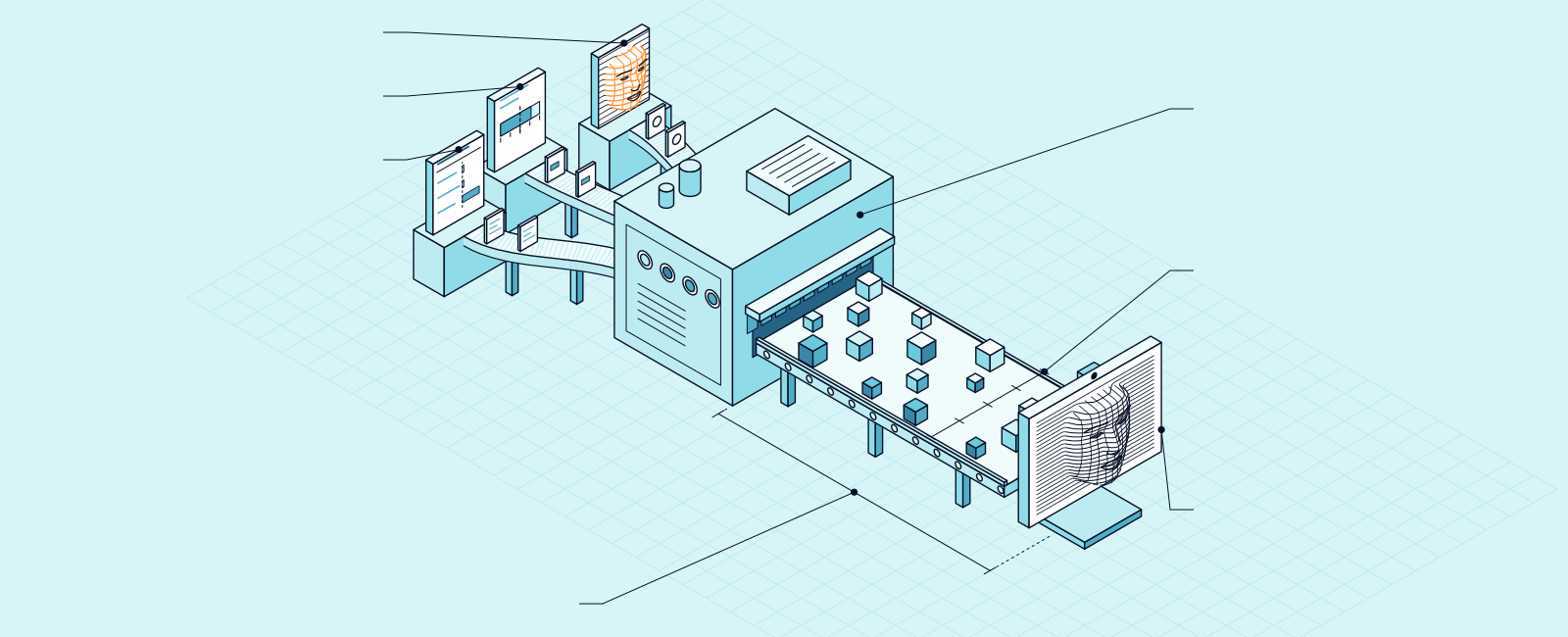

Check for a living face on the webcam.
MoverisLive reads one second of standard webcam video and decides whether a living face was in front of the camera. Use it at onboarding, at step-up, and when an AI agent asks to act. It is trained and tested on presentation attacks, injection attacks, and face swaps.
Where it fits
Use MoverisLive at account opening, before a wire, at account recovery, and when an AI agent asks to act. You choose the moments.
- Under your selfie stepYour IDV selfie screen stays
- Moveris runs the selfie stepThe Moveris SDK
- The Moveris SDK asks your customer to allow the camera.
- It checks for one clear face in view.
- It reads one second of video.
- Moveris returns one decision to your app.
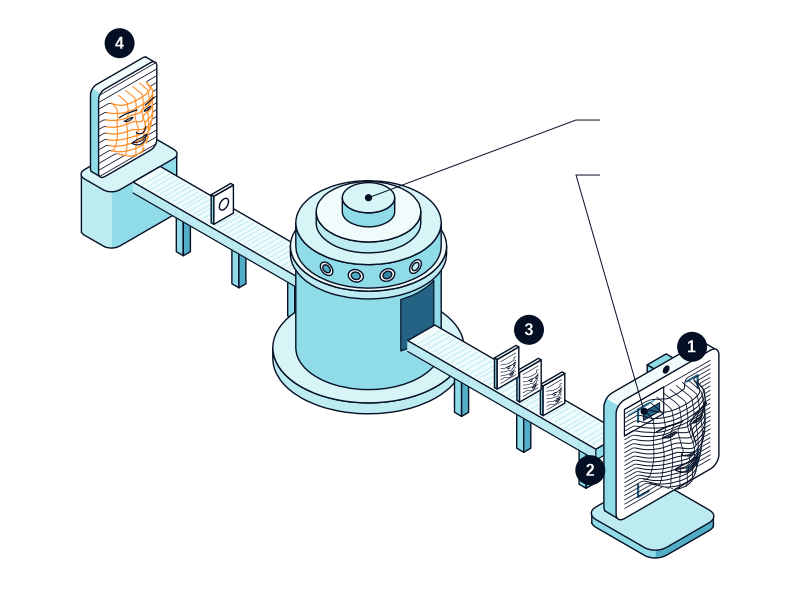
 MOVERIS SDKMOVERIS
- For AI agentsOver MCP
- Your AI agent calls the Moveris MCP server before it acts.
- MoverisLive asks your customer to look at the camera.
- The decision goes back to the agent.
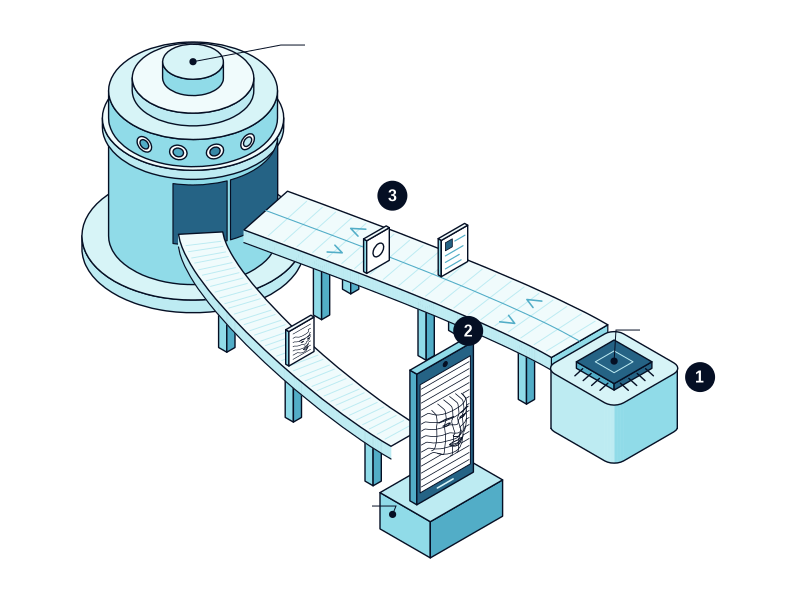
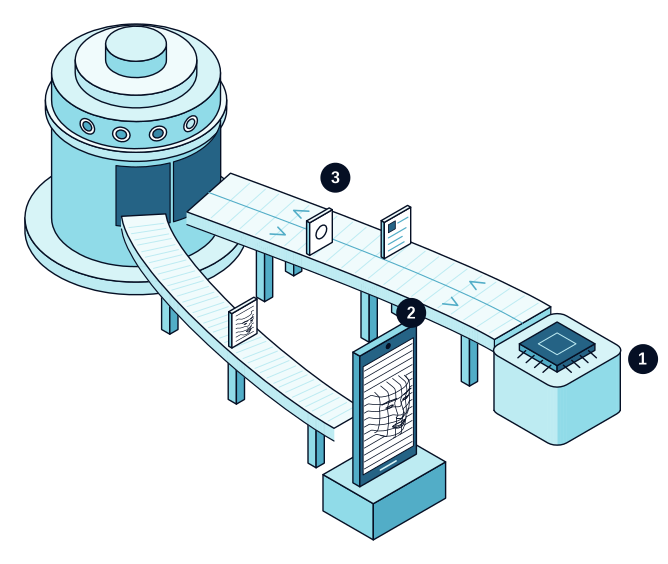 AI AGENTYOUR CUSTOMERMOVERIS MCP SERVER
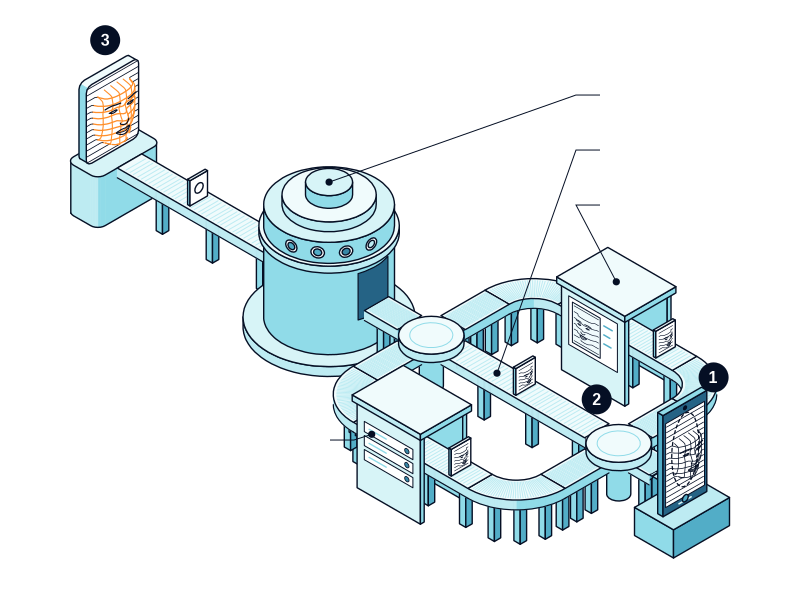

- The Moveris SDK asks your customer to allow the camera.
- It checks for one clear face in view.
- It reads one second of video.
- Moveris returns one decision to your app.
- Your AI agent calls the Moveris MCP server before it acts.
- MoverisLive asks your customer to look at the camera.
- The decision goes back to the agent.
Your agent signs. A living face countersigns.
When an AI agent acts for your customer, MoverisLive checks over MCP that a living face stands behind the yes. Your customer looks at the camera, and Moveris reads one second of video. The action is countersigned, or your rules hold it.
- Agent authorization over MCP
- Part of MoverisLive

A face on the webcam can be a copy.
Held up to a real camera.
A presentation attack puts a fake in front of a real camera. The camera works as it should, but what it sees is not a living person.
 A photo of someone else, held to the lens.
 A face cut from paper or molded from silicone, worn or held up.
 A phone or tablet playing a recording of someone's face.
Fed in where the camera should be.
An injection attack skips the camera. Software feeds the check a video stream that passes for a webcam, so the fake never sits in front of a lens.
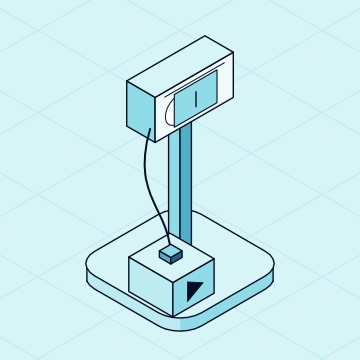 Software that poses as a webcam and streams any video.
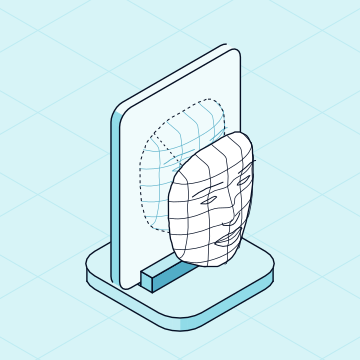 Another person's face laid over real video.
 Real footage with the mouth redrawn to say new words.
 A face, and a person, that never existed.
Attackers move to whichever route gets through, so Moveris is trained and tested on both. Whatever the next tool is, it still has to copy a living face's cognitive coherence.
Signs nobody decides to make
A living face is run by a brain and a body, so it shows signs nobody decides to make. MoverisLive reads a hundred regions of the face four ways: facial muscle movement, blood flow, estimated depth, and how each region compares with its neighbors. Muscle movement goes down to the microexpressions that carry emotion. Then it checks their cognitive coherence: how all of these signals work together. A deepfake can copy any one signal, but not that.
- Standard webcam
- One second of video

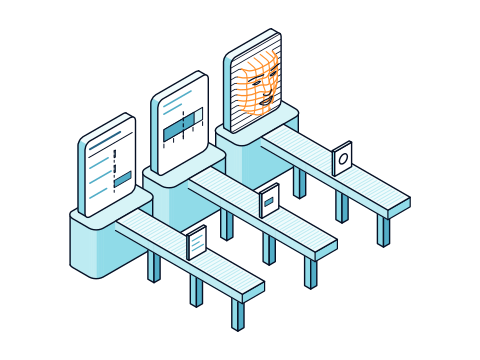
Human-likelihood score
For each check, MoverisLive returns a decision, living face or not, and a human-likelihood score from 0 to 100. A breakdown shows what affected each score. If no face is in frame, Moveris says so instead of guessing.
- Living face, or not
- Says so when no face is in frame
Questions
Common questions about MoverisLive.
Still have a question? Book a demo and ask us.
What does Moveris decide?
Whether a living face was in front of the camera. Moveris reads one second of standard webcam video and returns one decision for each check, with a human-likelihood score from 0 to 100.
Is Moveris GDPR and CCPA compliant?
Yes. Moveris complies with the GDPR and the CCPA, and it is certified to ISO 27001 for information security.
What is Moveris trained and tested on?
Moveris is trained and tested on presentation attacks (prints, masks, and screen replays) and injection attacks (video fed in through a virtual camera). It is also trained and tested on face swaps, lip-sync, and AI-generated video. We generate, collect, and curate 90% of this data in-house, so it matches what happens in the real world.
Does Moveris tell me who the person is?
No. Moveris checks for a living face, and your ID check confirms who it is. Together, they put a real person behind each account.
How long does Moveris keep video?
You choose. Your organization sets how many days Moveris keeps the frames from each check, and zero keeps none. New organizations start at 30 days.
How do I add Moveris to my product?
Use the Moveris SDK for React on the web or React Native on mobile, or start a MoverisMeeting session through the MoverisMeeting API. Book a demo, and our team will walk you through it.
How does agent authorization work?
Your AI agent calls the Moveris MCP server before it acts. MoverisLive asks your customer to look at the camera, then returns the decision to the agent.
What happens if no face is in frame?
Moveris tells you no face was found instead of guessing, so you can ask the person to try again.
Put a living face behind the next yes.
Tell us where you need a living-face decision. We will show you Moveris on your own flow.
