

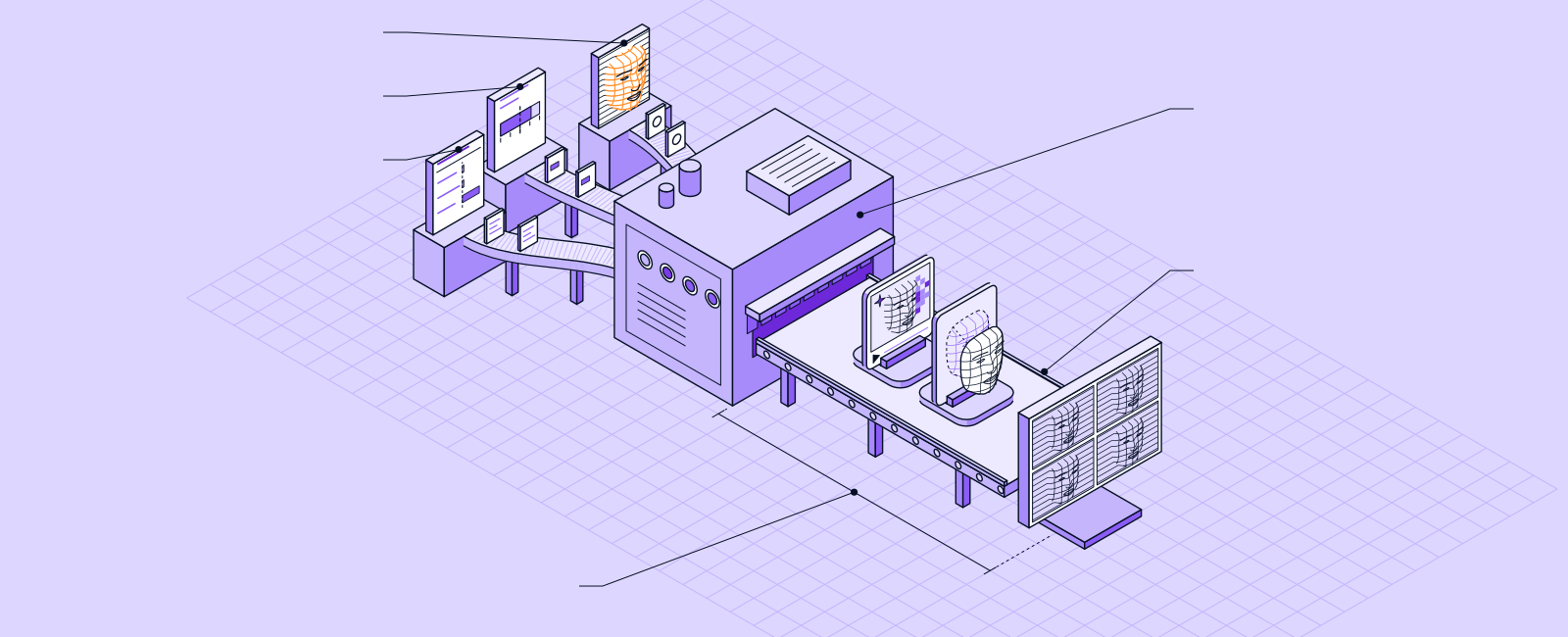

A deepfake can join your video call. It still has to pass for a living face.
Face swaps and AI-generated faces now sit in job interviews, help desk calls, and payment approvals on Zoom, Microsoft Teams, and Google Meet. MoverisMeeting sends a bot into the call, checks each participant, and returns one decision for each: living face, or not.
What is a deepfake video call?
A deepfake video call is a call in which someone shows a face that is not their own, or a face that never existed. Software swaps or draws the face as the call runs and feeds it to Zoom, Teams, or Meet through a virtual camera. The app sees a webcam. Everyone else on the call sees a colleague, a customer, or a candidate.
Some fakes on a call have no person underneath. An AI avatar draws the whole face, and a chatbot does the talking.
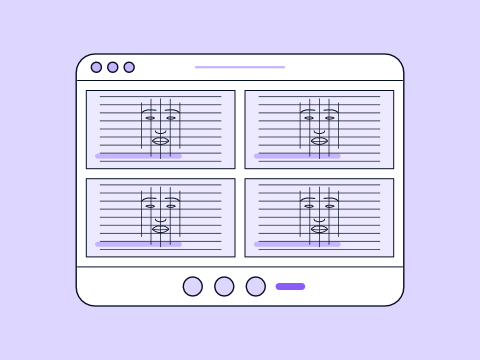
Where deepfake calls happen
Job interviews
A stand-in, or someone hiding who they are, interviews for a remote role with access to your systems.
Help desk and account recovery calls
A caller wearing an employee's face asks for a password or second-factor reset.
Remote notarizations and signings
A face on screen signs a deed, a loan, or a power of attorney that is not theirs.
Remote exams
A skilled stand-in sits a licensing or certification exam wearing the registered person's face.
Calls that move money or access
A face that looks like the CFO approves a wire, a payroll change, or access to systems.
In 2024, a finance worker at the engineering firm Arup paid out about $25 million after a video call. The other faces on that call were deepfakes.
Why the people on the call miss it
Video calls hide the flaws. The picture is small and compressed, so a soft edge or a frozen frame looks like a bad connection. People trust a face they know. Attackers also pick a moment with a deadline: a wire that has to go today, or a locked account before a flight. Old tricks, such as asking someone to turn sideways or wave a hand across their face, help less as the tools improve.
What a deepfake has to copy
A brain and a body run a living face, so its blood flow, muscle movement, and emotion work together. We call that cognitive coherence. A deepfake can copy any one signal, but not how they all work together. Even high-quality face swaps fall out of sync.
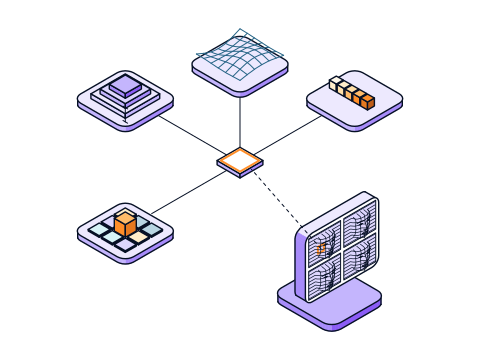
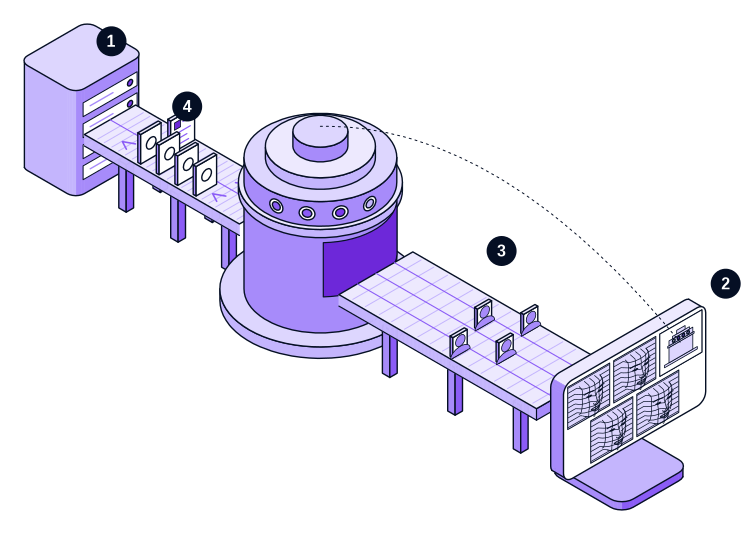
Moveris reads one second of video. It reads each of a hundred regions of the face four ways: facial muscle movement, blood flow, estimated depth, and neighbor contrast. Muscle movement goes down to the microexpressions that carry emotion. Moveris checks how all of those signs work together.
How MoverisMeeting checks a call
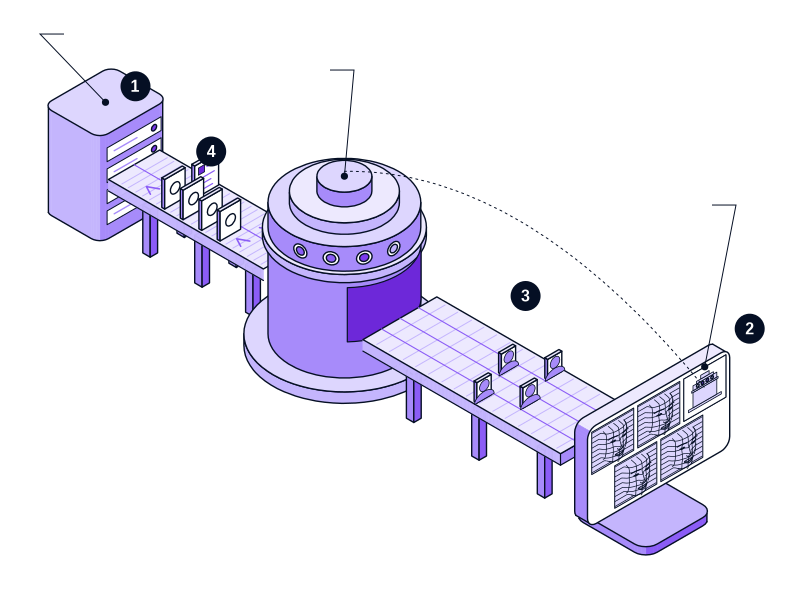
- Your system starts a MoverisMeeting session.
- A Moveris bot joins the Zoom, Teams, or Google Meet call.
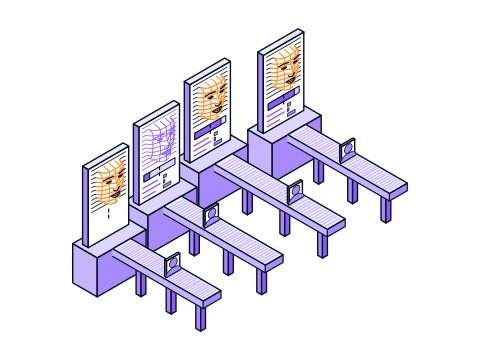
- Moveris reads each participant's video separately.
- Moveris posts one decision for each participant to your webhook.
What your team gets back
MoverisMeeting decides whether a living face was in front of each camera on the call. It adds a human-likelihood score from 0 to 100 for each participant, with a breakdown of what affected it.
Built on our own data
MoverisMeeting is trained and tested on face swaps and AI-generated video fed in through a virtual camera, along with prints, masks, and screen replays. We generate, collect, and curate 90% of this data in-house, so it matches what happens in the real world.
Questions
Still have a question? Book a demo and ask us.
Can someone use a deepfake on a Zoom call?
Yes. Face swap software can feed a fake face into Zoom, Microsoft Teams, or Google Meet through a virtual camera. To the app, it looks like any other webcam.
How can you tell if someone on a video call is a deepfake?
Have software read the video, because a good fake looks right to the people on the call. A MoverisMeeting bot joins the call, reads each participant's video separately, and posts one decision for each to your webhook.
Is a deepfake on a video call an injection attack?
Usually, yes. The fake reaches the call through a virtual camera, which is an injection attack. A fake played on a phone held up to a real webcam is a screen replay, which is a presentation attack.
Which video platforms does MoverisMeeting work with?
Zoom, Microsoft Teams, and Google Meet. A Moveris bot joins the call and posts a decision for each participant to your webhook.
Which calls should we check?
Job interviews, help desk and account recovery calls, remote notarizations and signings, and remote exams. Check any call where a face on screen signs off on a wire, a payroll change, a new account, or access to systems.
Does Moveris tell me who the person is?
No. Moveris checks for a living face, and your ID check confirms who it is. Together, they put a real person behind each account.
Put a living face behind the next yes.
Tell us where you need a living-face decision. We will show you Moveris on your own flow.
