

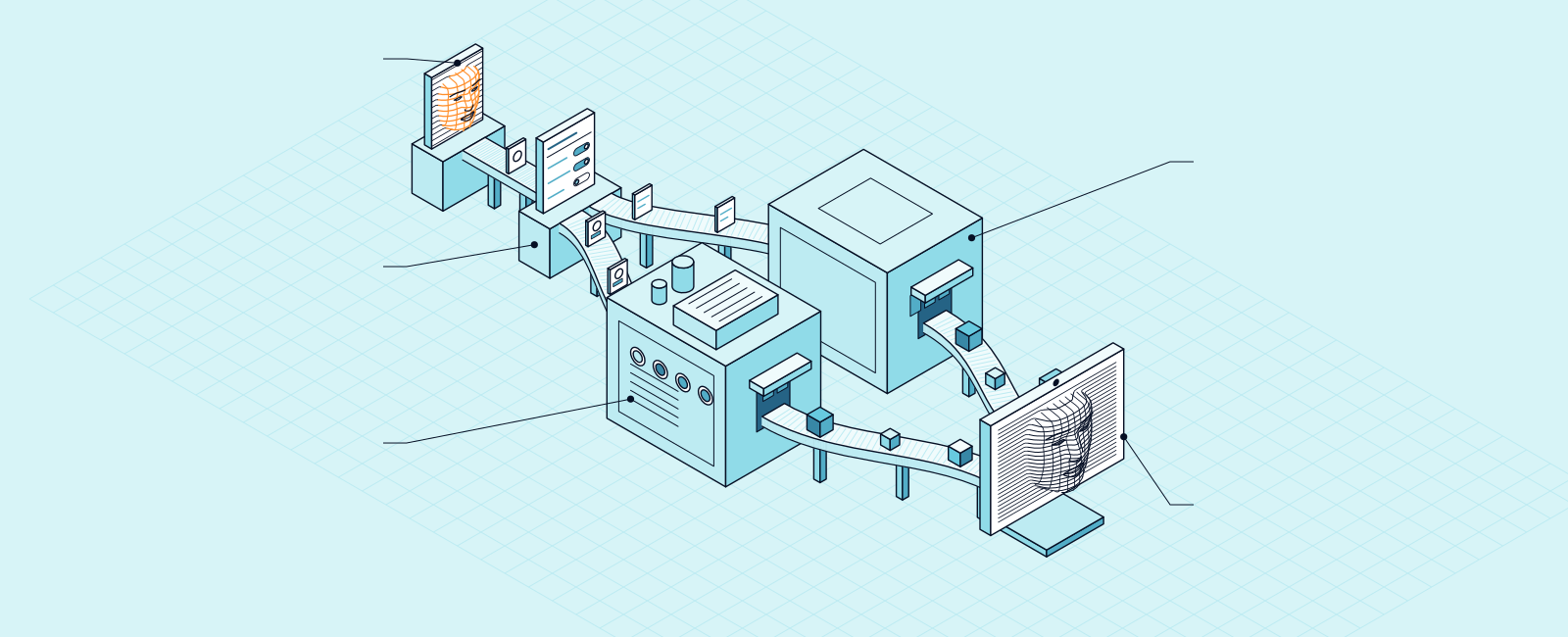
Keep Incognia. Add a check for a living face.
Incognia ID combines device intelligence with location intelligence and account activity to recognize users across devices. Moveris reads one second of standard webcam video for something else: whether a living face was in front of the camera, and how its signals work together. Add it, and your rules see the device and the face side by side.[1]
Why teams add Moveris to Incognia
The face at the camera
Incognia reads the device, where it is, and account activity. Moveris reads the face at the camera: blood flow, facial muscle movement, estimated depth, and neighbor contrast across a hundred regions of the face.[1][2]
Emotion, in one second
Moveris reads facial muscle movement down to the microexpressions that carry emotion. A brain and a body run a living face, so its signals work together. A deepfake can copy any one signal, but not how they all work together.
Scores your team can explain
Each check returns a decision, living face or not, and a human-likelihood score from 0 to 100. A breakdown shows what affected each score, so fraud and review teams can say why.
Moveris and Incognia, side by side
| MoverisLive | Incognia | |
|---|---|---|
| What it checks | Signs of a living face in a hundred regions: facial muscle movement, blood flow, estimated depth, and neighbor contrast, and how they work together | Combines device intelligence with location intelligence and account activity to recognize users across devices[1] |
| What the person does | Looks at the camera | Describes its authentication signal as passive, for adaptive risk[3] |
| Video it needs | One second of standard webcam video. No special hardware | Analyzes the integrity of each device to see whether it is altering the data passed to the client app[4] |
| Where it runs | Onboarding, step-up, and AI agent approvals over MCP | Mobile device tampering checks for iOS and Android[4] |
| What you get back | A decision, living face or not, and a human-likelihood score from 0 to 100, with a breakdown of what affected it | A risk signal that shows whether a user is trusted or risky[2] |
| Attacks | Trained and tested on presentation attacks (prints, masks, screen replays), injection attacks, face swaps, lip-sync, and AI-generated video | Rooted or jailbroken devices, GPS spoofing apps, and emulated devices, which Incognia says enable policy abuse and fraud[4] |
| Data and compliance | Complies with the GDPR and the CCPA. Certified to ISO 27001 for information security | Compliant with the GDPR, the California Consumer Privacy Act, and Brazil's LGPD[5] |
How Moveris reads a face
A brain and a body run a living face, so its blood flow, muscle movement, and emotion work together. We call that cognitive coherence. A deepfake can copy any one signal, but not how they all work together.
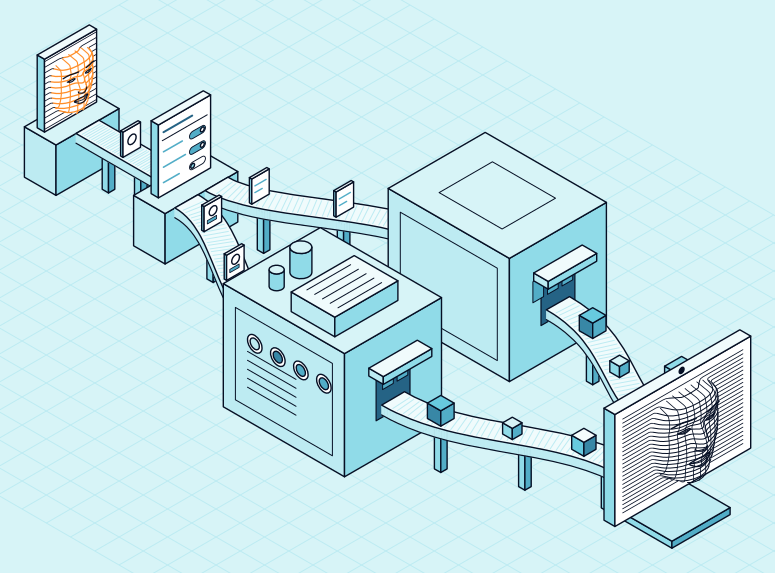
Moveris reads one second of video. It reads each of a hundred regions of the face four ways: facial muscle movement, blood flow, estimated depth, and neighbor contrast. Muscle movement goes down to the microexpressions that carry emotion. Moveris checks how all of those signs work together.
Each check returns a decision, living face or not, and a human-likelihood score from 0 to 100. A breakdown shows what affected each score, so your fraud and review teams see more than the decision.
Moveris is trained and tested on face swaps, lip-sync, AI-generated video, injection attacks, and presentation attacks. We generate, collect, and curate 90% of this data in-house, so it matches what happens in the real world.
Use Moveris with Incognia
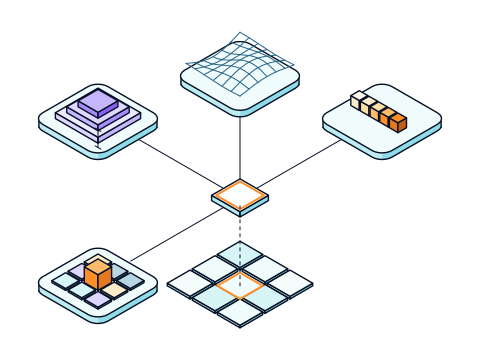
Keep Incognia for its device and location signals. Add Moveris at the step where your customer looks at the camera, through the Moveris SDK. Your rules weigh the Incognia risk signal and the Moveris decision together.[2]
Questions
Common questions about Incognia and Moveris.
Still have a question? Book a demo and ask us.
Can I use Moveris with Incognia?
Yes. Keep Incognia for device and location. Add the Moveris SDK at onboarding or step-up, where your customer looks at the camera. Your rules weigh both results.[1]
How is Moveris different from Incognia?
Incognia blends location behavior, device integrity, and behavioral analysis into a risk signal. Moveris reads one second of video of the face. It returns a decision, living face or not, and a human-likelihood score from 0 to 100, with a breakdown of what affected it.[2]
Where does each one fit?
Incognia lists passwordless authentication for legitimate users as a use case. Moveris fits the moments your customer looks at the camera: onboarding, step-up, and when an AI agent asks to act.[6]
How much video does Moveris need?
One second of standard webcam video. No special hardware.
Does Moveris tell me whose face it is?
No. Moveris checks for a living face, and your ID check confirms who it is. Together, they put a real person behind each account.
Is Moveris GDPR and CCPA compliant?
Yes. Moveris complies with the GDPR and the CCPA, and it is certified to ISO 27001 for information security.
How do I add Moveris?
Use the Moveris SDK for React on the web or React Native on mobile, in the same onboarding flow. Book a demo, and our team will walk you through it.
Further reading
Put a living face behind the next yes.
Tell us where you need a living-face decision. We will show you Moveris on your own flow.
Sources
- Incognia: https://www.incognia.com/incognia-id. Checked 2026-11-22.
- Incognia: https://www.incognia.com/newsroom/incognia-launches-real-time-scam-prevention-powered-by-patented-location-intelligence?hsLang=en. Checked 2026-11-10.
- Incognia: https://www.incognia.com/frictionless-authentication?hsLang=en. Checked 2026-11-10.
- Incognia: https://www.incognia.com/device-tamper-detection?hsLang=en. Checked 2026-11-10.
- Incognia: https://www.incognia.com/security-privacy-compliance?hsLang=en. Checked 2026-11-10.
- Incognia: https://www.incognia.com/location-identity-verification?hsLang=en. Checked 2026-11-10.
Incognia is a trademark of Incognia US Inc. We name it only to compare products, and Moveris is not affiliated with Incognia US Inc.
Competitor facts come from each company's public pages as of 2026-11-22. See an error? Email contact@moveris.com.
